
Onten OTN-UHD6 Dual-Bay 2.5/3.5 Inches SATA HDD Docking Station
Storage Enclosures & Cloners Brand New – 5 Years Warranty SKU IHL-1893
Sealed and unused, straight from the maker, with a 5-year warranty.
$40.00
per pcs
In stock
- 5 Years WarrantyCovered from the day you buy
- Reserve onlinePay when you collect — no card needed
- Delivery across LebanonOr collect from our counter
Overview
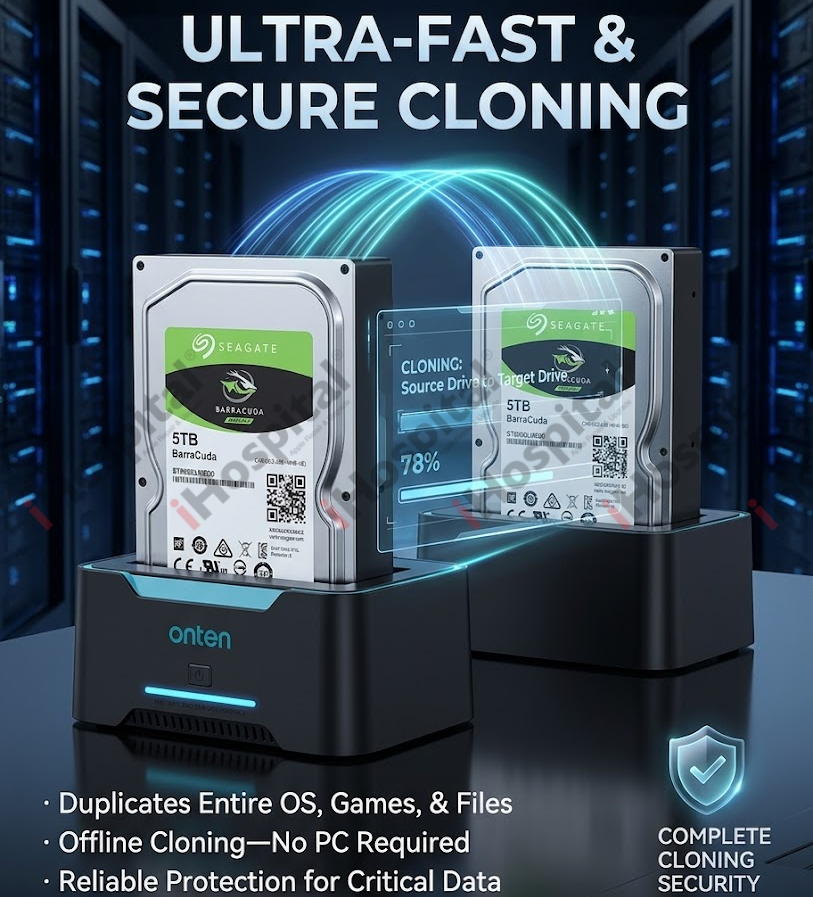
Onten OTN-UHD6 is a dual-bay external docking station designed for 2.5-inch and 3.5-inch SATA HDDs and SSDs. It functions as standard external storage when plugged into a PC and features a standalone One-Button Offline Clone capability that lets you duplicate hard drives without connecting to a computer.
⚠️ Critical Requirements Before Cloning
- Backup the Target Disk: The offline cloning process completely overwrites the destination drive. Any existing data on the target disk will be permanently deleted.
- Capacity Check: The Target drive (Bay B) capacity must be equal to or larger than the Source drive (Bay A) capacity. If the target drive is even slightly smaller (even by a few megabytes), the clone will fail.
- Disconnect the PC Data Cable: The docking station must not be plugged into a computer via USB while performing an offline clone. It will only clone in standalone mode.
Step-by-Step Offline Cloning Instructions
- Power Off: Ensure the docking station's independent power switch is turned off.
- Insert the Source Drive: Place the hard drive or SSD you want to copy into Bay A (Source).
- Insert the Target Drive: Place your blank or destination hard drive or SSD into Bay B (Target).
- Disconnect USB: Double-check that the USB cable is completely unplugged from your computer.
- Power On: Plug the 12V power adapter into a wall outlet and the dock, then turn on the power switch. Wait for the bay indicators to light up, confirming the disks are spinning/read.
- Initiate the Clone: Press and hold the Copy / Clone button on the device for roughly 3 to 6 seconds. The progress indicator lights (25%, 50%, 75%, 100%) will illuminate or flash to signal that the duplication process has started.
- Monitor Progress: Keep the dock completely still. The LED progress lights will blink sequentially as the data transfers. When all percentage lights (up to 100%) stay solid or turn off (depending on firmware), the process is finished.
- Power Down Safely: Turn off the power switch before pulling your drives out of the bays to prevent data corruption.
Post-Cloning Note: Missing Drive Space?
Because the ONTEN-UHD6 creates a sector-by-sector exact copy, if your target drive is larger than your source drive (e.g., cloning a 500GB drive onto a 2TB drive), the cloned drive will initially report the original 500GB size.
To fix this on Windows:
- Right-click the Start menu and select Disk Management.
- Locate your newly cloned drive (it might be marked as Offline due to a signature collision with the source drive—if so, right-click it and choose Online).
- Right-click the primary healthy partition next to the black "Unallocated" space.
- Select Extend Volume and follow the prompts to expand the partition to utilize the full capacity of your larger drive.
Not sure it's the right one?
Tell us what you'll use it for — work, study, gaming or design — and we'll confirm it's the right drive, or point you to one that is.
Or send a message
Ask about compatibility, stock or a quote for several units. We reply within working hours.
You may also need
All enclosures & cloners